Understanding the Need to Convert DVD to Digital
As technology continues to advance, the way we consume media is evolving. With the rise of streaming services and digital storage options, many individuals are looking to convert their physical media collections to a more modern format. One common question is how to convert dvd to digital. This process not only preserves cherished movies but also helps in decluttering physical space. In this guide, we will explore the benefits of digital media storage, the reasons for converting DVDs, and the challenges you may face during this process.
Benefits of Digital Media Storage
Digital storage offers several advantages over traditional physical formats. Firstly, it saves space; digital files can be stored on hard drives or cloud services, allowing for a significant reduction in physical media clutter. Secondly, digital files can be easily organized, searched, and accessed from various devices, including computers, tablets, and smart TVs. Furthermore, the quality of digital media can often exceed that of DVDs, particularly when using high-definition formats.
Why Convert DVD to Digital Formats?
There are numerous reasons to consider converting DVDs to digital formats. For one, discs can become scratched or damaged over time, resulting in lost content. By converting DVDs to digital files, you create a backup of your favorite films and home videos. Additionally, many people prefer the convenience of streaming content on demand rather than dealing with physical discs. Digital files can be easily shared, copied, and played back on various platforms without the need for a DVD player.
Common Challenges Faced
While converting DVDs to digital can greatly enhance your media experience, there are challenges to consider. One significant issue is the presence of copy protection technologies on many DVDs. These protections can complicate the conversion process and may require specific software solutions. Additionally, users may encounter difficulties when determining the best digital format for their needs, or they might have trouble organizing their digital library effectively after conversion.
Preparation for Converting DVD to Digital
To begin the process of converting DVDs to digital formats, adequate preparation is crucial. Depending on your approach—whether you're using software solutions on your computer or opting for a professional service—there are several steps to take prior to conversion.
Essential Equipment Needed
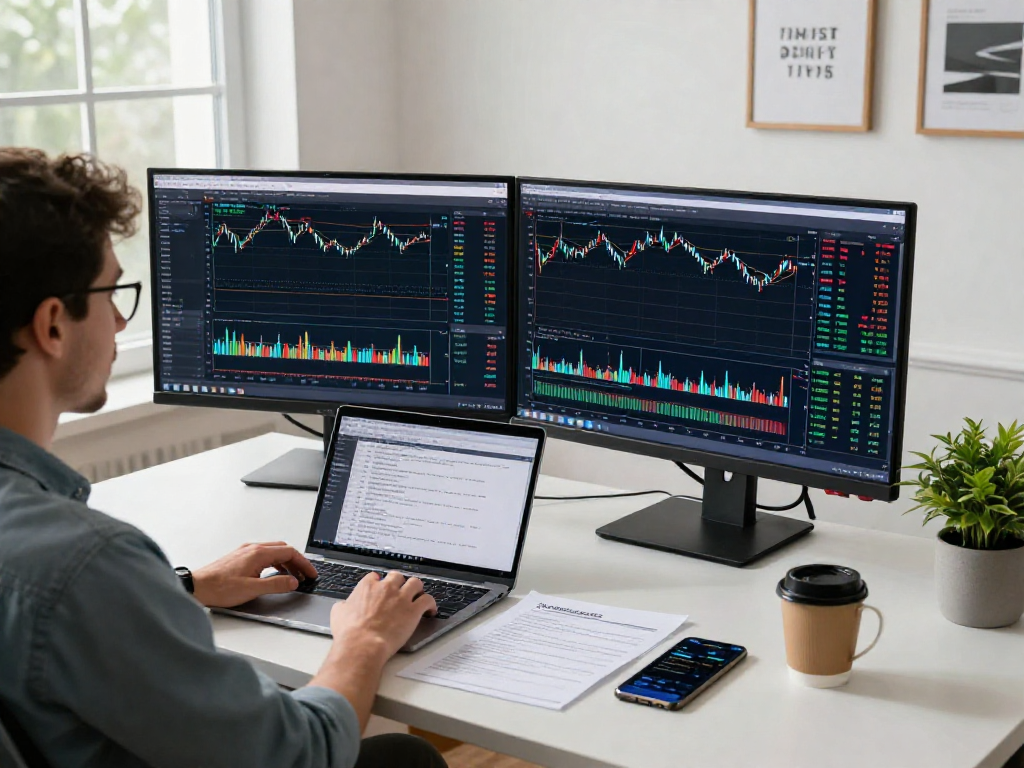
Before you begin converting DVDs, it's essential to gather the necessary equipment. At a minimum, you will need a computer with enough storage space to accommodate the digital files. If your DVD drive is not functioning, you may need an external DVD reader. Additionally, a stable internet connection is recommended if you choose to use online software solutions. Having a backup storage device, such as an external hard drive, can also be useful for safeguarding your digital files.
Software Options for Conversion
Choosing the right software for DVD conversion is vital. Many software options are available, ranging from free applications to professional paid versions. Key features to look for include user-friendliness, compatibility with various operating systems, and the ability to bypass copy protection if needed. Some popular software choices include DVD rippers that can convert your DVDs into various file formats and resolutions. Researching user reviews can help you select the most suitable software for your needs.
Setting Up Your Workspace
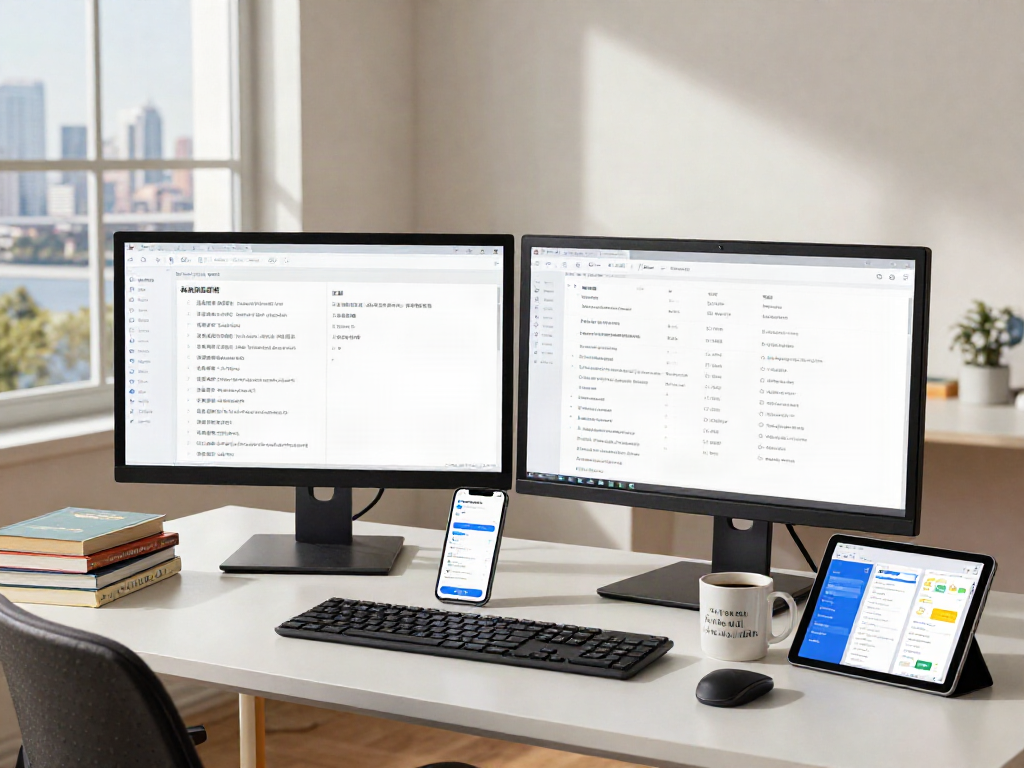
Creating a designated workspace can facilitate the conversion process. If possible, designate a quiet area that is free from distractions. Ensure your computer and DVD drive are functioning correctly and have all necessary software installed. It's also wise to keep your DVD collection organized, so you know which discs you intend to convert. Having a plan for categorizing your digital files will make it easier to find specific content later.
Step-by-Step Process to Convert DVD to Digital
Once you've prepared your equipment and workspace, you can start the conversion process. Follow these detailed steps to ensure a smooth transition from DVD to digital format.
Inserting Your DVD and Launching Software
Start by inserting the DVD you want to convert into your computer's DVD drive. Launch the software you've chosen for the conversion process. Most programs will automatically detect the DVD in the drive and prompt you to begin the conversion. If your software does not automatically recognize the disc, select the appropriate option within the software to import the video files.
Choosing Your Digital Format
Next, you will need to choose the desired digital format for your converted DVD. Different formats, such as MP4, MKV, and AVI, come with various benefits. MP4 is widely compatible and ideal for streaming, while MKV offers high-quality video and supports multiple audio tracks. Choose a format that aligns with your playback devices and personal preferences.
Starting and Monitoring the Conversion
Once you have selected the format, begin the conversion process by clicking the appropriate command in the software. The conversion time may vary based on factors like the size of the DVD, your computer's processing power, and the selected format. Monitor the progress until the software indicates the conversion is complete. It is essential to ensure that the conversion finishes without errors to preserve the integrity of your digital files.
Post-Conversion Steps
After successfully converting your DVDs into digital files, there are vital steps to take to ensure your digital library is well-organized and secure.
Organizing Your Digital Library
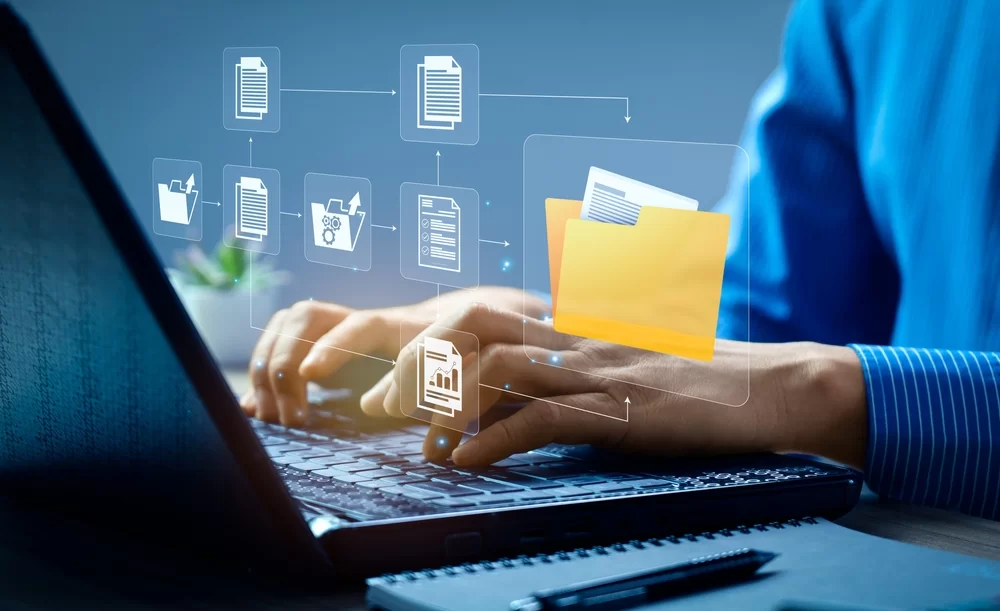
Organizing your new digital library is crucial for easy access and management. Create folders for different categories, such as movies, family videos, or documentaries, and use clear naming conventions for each file. This organization will save you time when searching for specific content in the future. Consider using metadata tagging for even more refined organization.
Backups: Keeping Your Content Safe
Backing up your digital files is essential to safeguard against potential data loss. Utilize external hard drives or cloud storage solutions to create duplicate copies of your converted files. Regularly update your backups to include newly converted content. It's recommended to have at least two copies of your files in different locations for added security.
Sharing Your Digital Files
One of the significant benefits of converting DVDs to digital is the ease of sharing. Digital files can be shared via personal websites, social media, or cloud services. However, ensure that you respect copyright laws, especially if sharing content that you do not own. You can create playlists or curated collections to share with friends or family, enhancing the enjoyment of your digital library.
FAQs About Converting DVD to Digital
How long does it take to convert a DVD to digital?
The time varies based on software and computer performance, typically ranging from 30 minutes to 2 hours. Larger files may take longer to process.
Is it legal to convert DVDs to digital formats?
Generally, it is legal to convert personal DVDs for personal use, but be sure to check local copyright laws. Always respect copyright protections.
Can I convert a DVD with copy protection?
Yes, some software can bypass copy protection, but be aware of the potential legal implications depending on your jurisdiction and specific laws.
What digital formats are best for storage?
Common formats include MP4 for general use and MKV for high-quality needs. Choose the format based on the devices you plan to use for playback.
Do I need an internet connection to convert DVDs?
Typically, an internet connection is not needed when using local software. However, it may be required for online conversion services or software updates.